
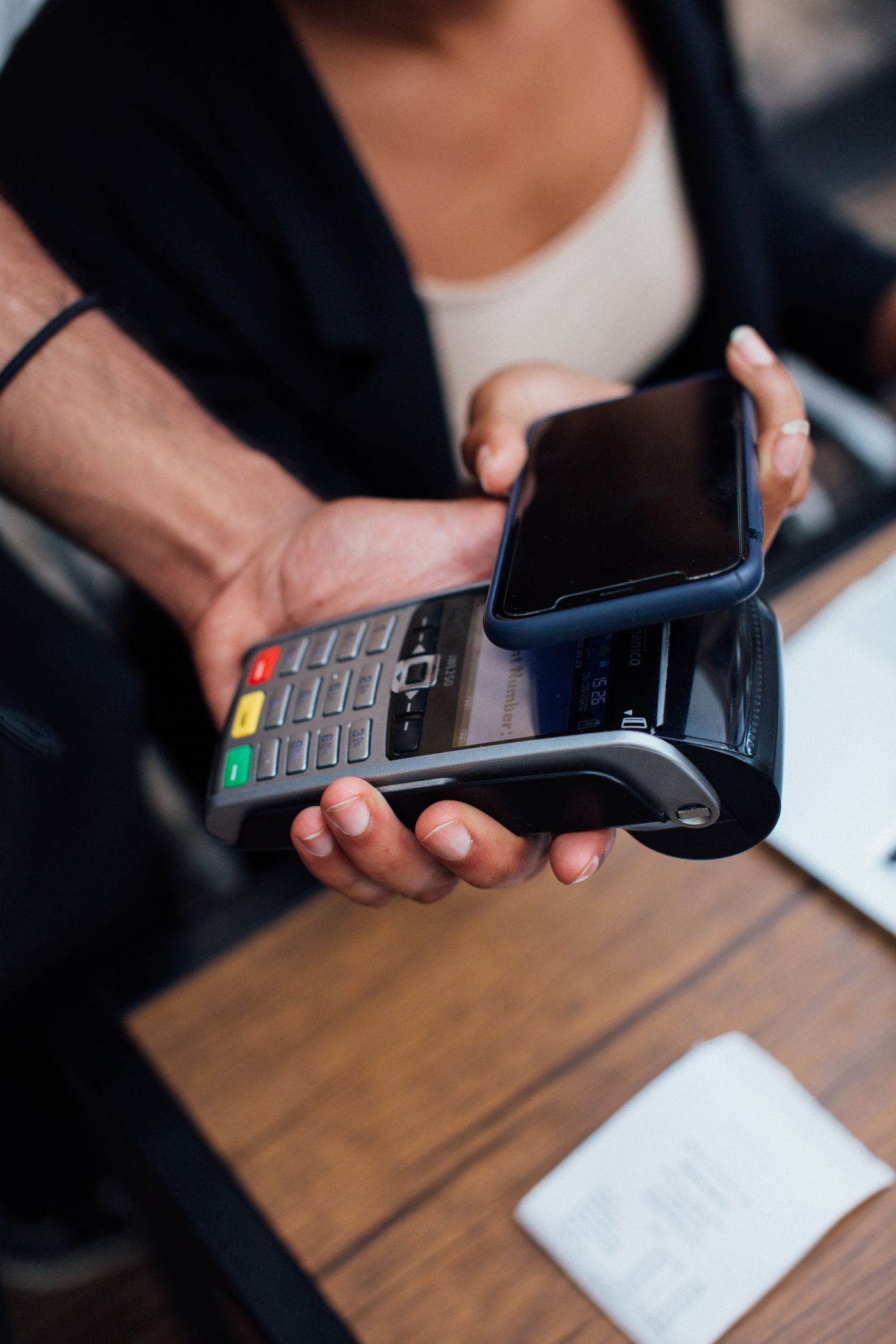
Short answer: For a basic phone, check KRA's *222# eTIMS Lite route. For a free smartphone option, check KRA's eligible eCitizen browser or official mobile channels. For browser invoicing with saved customers/items, visible KRA and payment status, user-confirmed M-Pesa matching and accepted-receipt sharing, compare Risiti App. Choose by taxpayer eligibility, connectivity and the work you need to complete—not the app name alone.
What Should You Use for eTIMS on Your Phone?
Pick the route that fits your taxpayer and daily work. The step-by-step instructions below cover the eCitizen browser route; these links take you to the other relevant options.
| Your situation | Route and requirements | Cost and next step |
|---|---|---|
| Basic phone; no smartphone app | KRA eTIMS Lite USSD through *222# For eligible individuals and sole proprietors. Create through the phone menu; opening the SMS receipt link still needs web access on a suitable device. | KRA software is free; check applicable network costs. Follow the USSD guide → |
| Android or iPhone; prefer a browser | KRA eCitizen web invoicing An official option for eligible taxpayers with an internet connection. The documented workflow includes customer and item records, receipts and credit notes. | KRA software is free; device and connectivity costs remain. Follow the eCitizen guide → |
| Prefer an official installed phone app | KRA's official mobile options Check the KRA publisher, the specific app, taxpayer eligibility and device requirements. Lite, Non VAT and Android Client names are not interchangeable. | Check the official listing and KRA's current channel guidance. Check KRA's mobile channels → |
| Want invoicing and payment follow-up together | Risiti App in your phone browser Reuse customers/items, follow KRA submission and payment status, match M-Pesa records and share accepted receipts. Business and KRA setup must be ready. | Paid monthly or by active sales day; see current App terms. See Risiti App and pricing → |
| Already create sales in accounting or POS software | An integration for the existing system Check that system's eTIMS support before entering the same sale twice. Risiti Direct API serves one business; Platform API serves multiple merchant businesses. | Separate software, usage and implementation terms apply. Compare integration routes → |
Step-by-Step
1. Open KRA eCitizen in your phone browser
Visit ecitizen.kra.go.ke and sign in through eCitizen using the account authorized for the taxpayer. You do not need a separate invoicing app for this browser route.
2. Activate the invoicing service
Open Invoicing (eTIMS). First-time users review the declarations and activate e-invoicing. Confirm that the seller shown is the intended taxpayer.
3. Create the invoice and customer record
Open Create Sales Invoice. Select or add the customer; validate their supplied PIN when recording a business buyer. KRA's guide also includes a customer-without-PIN option where appropriate.
4. Add the actual goods or services
Enter the description, quantity and price per unit. Check any adjustment and the applicable tax treatment, then compare the preview with the agreed sale amount.
5. Confirm once and check the result
Create the invoice when the details are correct. If your connection drops, check the existing invoice history before repeating the sale.
6. Download and share the receipt
Save the generated invoice, check its seller, buyer, amount and returned eTIMS details, then send the unchanged file to the correct customer.
Which Official eTIMS App Should You Download?
On 16 September 2026, the Google Play listing for package ke.go.kra.etims.app was titled eTIMS Lite and named Kenya Revenue Authority as publisher. It describes invoice and quotation creation, customer and supplier management, and record synchronization. KRA's Apple developer page separately lists eTims and eTiMS Non VAT. Check the exact listing instead of assuming every app called eTIMS has the same workflow.
The store links below establish the publisher and advertised product, not a completed onboarding or invoice test. Use KRA's current eligibility and setup guidance before choosing. Risiti at getrisiti.com is PesaStack Limited's browser product, not KRA's separate Risiti Legit verification app.
Basic Phone: Create the Invoice with *222#
KRA's 2026 guide starts with KRA Services, then eTIMS and Sales Invoice. New users complete the identity and registration prompts; returning users select the taxpayer or associated business before entering the customer, product name, quantity and unit price.
Review the displayed invoice details and confirm. The guide shows an invoice-generated result followed by an SMS receipt link. A basic phone can run the USSD session, but you need web access on a suitable device to open the receipt link and download the document. Keep the SMS and check for the existing result before repeating an interrupted submission.
A Worked Invoice You Can Check Before Submitting
If the agreed sale is two service sessions at KES 2,500 each with no discount or additional charge, the line total is KES 5,000. Enter 2 as the quantity and 2,500 as the price per session; entering 5,000 as the unit price would double the amount. Confirm the applicable tax treatment for your actual sale before accepting the final preview.
Save and Share a Receipt on Android or iPhone
- ✓Use the completed invoice's download action. If the file opens as a preview, use the browser or device share control to save a copy.
- ✓Find the file in your browser's downloads list or the device's Files app. Check the filename and open the PDF before sending it.
- ✓Compare the seller, customer where recorded, items and total with the transaction. Follow the invoice's verification route if you need to check its returned details.
- ✓Attach the unchanged PDF or send the intended secure receipt link to the correct buyer by WhatsApp or email. Store a business copy as well.
What Risiti Adds to the Phone Workflow
Risiti App brings invoice preparation and payment follow-up into a browser workflow. Sign in with phone OTP, complete business and KRA setup, then open New Invoice. Reuse a saved buyer and items, confirm the payment method and amounts, and review before submitting.
| Your task | Risiti App's workflow | Important boundary |
|---|---|---|
| Invoice a returning customer | Reuse saved customer and item details instead of re-entering the same records. | Still check the buyer, quantity, price and applicable tax treatment. |
| Know what is ready to send | Follow draft, pending, retrying, failed and submitted invoice states; download or share the accepted receipt. | A saved draft or queued submission is not KRA acceptance. |
| Match an M-Pesa payment | Paste a payment SMS, select the matching invoice and confirm the payment record. | User confirmation is required; this is not an automatic M-Pesa or bank feed. |
| Follow up unpaid invoices | Review payment status, receivables aging and overdue-customer views. | Operational records are not audited accounts or a filed tax return. |
| Correct an accepted sale | Create an eligible credit note linked to its original Risiti invoice. | The App currently allows one credit note per original; check selected quantities and returned KRA receipt data. |
| Share the result | Download the accepted PDF or use the receipt-sharing action; optional buyer SMS requires consent. | Check the recipient and final result. SMS delivery depends on the provider and a valid number. |
When the Phone Workflow Gets Stuck
| Problem | Next action |
|---|---|
| Login or OTP fails | Check whether you are using eCitizen or taxpayer-portal credentials; use the recovery instructions for that account. |
| Connection drops after submission | Look for the existing invoice or SMS result before creating another sale. |
| PDF cannot be found | Check browser downloads and device storage, then reopen the completed invoice to download it again. |
| Buyer or amount is wrong | Correct it before submission; after acceptance, use the original solution's supported credit-note process. |
Official sources
Official guidance and legislation used to prepare this guide.

Frequently asked questions
Open a question to read the answer.
What should I use for eTIMS on my phone?
Start with your taxpayer eligibility and device. KRA provides official USSD, browser and mobile options. Compare Risiti App when you want browser invoicing, saved records, visible submission and payment states, user-confirmed M-Pesa matching and receipt sharing. If a POS or accounting system already creates your sales, check its integration before re-entering the same transactions.
Do I need to install an app to create an eTIMS invoice?
No app installation is required for the eCitizen browser route or the *222# USSD route. Eligibility and account setup still apply. Risiti also runs in a browser.
Can I create an invoice without a smartphone?
KRA provides an eTIMS Lite USSD route through *222# for individuals and sole proprietors. You need internet access on a suitable device to open the resulting web receipt link and download the document.
Can I share the eTIMS invoice through WhatsApp?
Yes. Share the completed, checked PDF or the intended receipt link with the buyer. WhatsApp delivers the document; it does not turn a pending draft into a completed eTIMS invoice.
Can I use Risiti without installing an Android or iPhone app?
Risiti App runs in a browser. It is not a claim of a native Play Store or Apple App Store application. Complete business and KRA setup before live invoicing; an offline draft or queue is not an accepted KRA receipt.
Does Risiti automatically fetch my M-Pesa payments?
The App's reconciliation workflow lets you paste an M-Pesa SMS, select the matching invoice and confirm the payment record. It is not an automatic bank feed or a promise that every payment is matched without review.
Updated: 16 Sept 2026. Source-check scope and limitations, where recorded, appear below. This guide is not tax or legal advice. Confirm unusual cases with KRA or a qualified tax professional.
Keep reading
Selected from the same guide librarySource check: . Official phone-channel choices, linked store identities and implemented Risiti invoice-to-payment workflow boundaries.
Official procedures and store listings were reviewed, not tested on a physical phone or through a live taxpayer submission. Risiti workflow descriptions are source-code checks, not production-availability or speed measurements.
What changed in this review
- Added a device/workflow chooser, with free official routes and separate App/API choices.
- Linked the specific official store listings and current pricing; described manual payment confirmation and correction limits.